
Book Publishing Studio
Write it. Design it. Publish it.
A Windows app for authors who publish their own books: write or import your manuscript, design the cover and the pages, and make the files each publisher asks for. Your books stay on your computer, with no account and no subscription.
What you can do
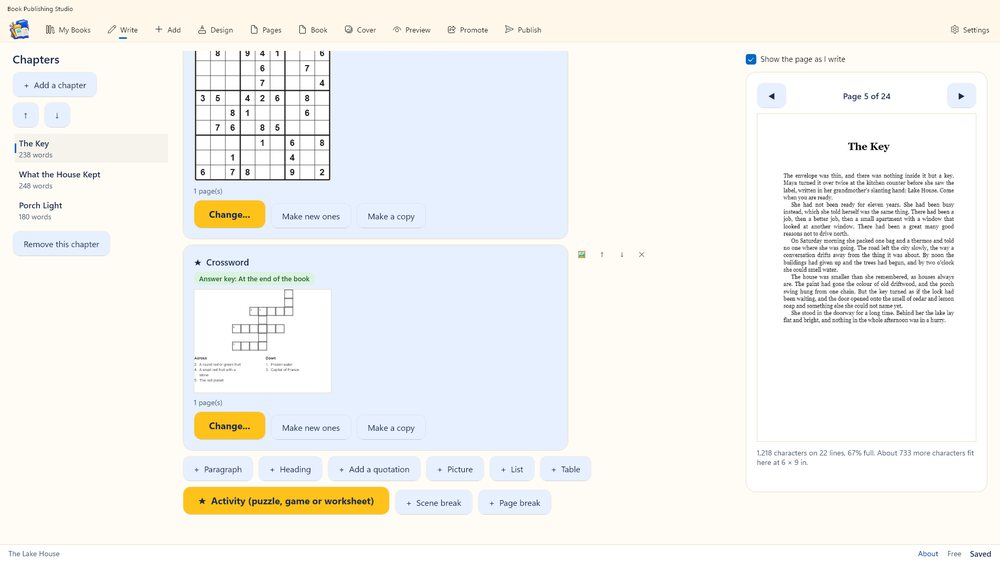
- Write or import. Type in the app, dictate with your voice (it is understood on your computer), or import Word, EPUB, HTML, text or PDF.
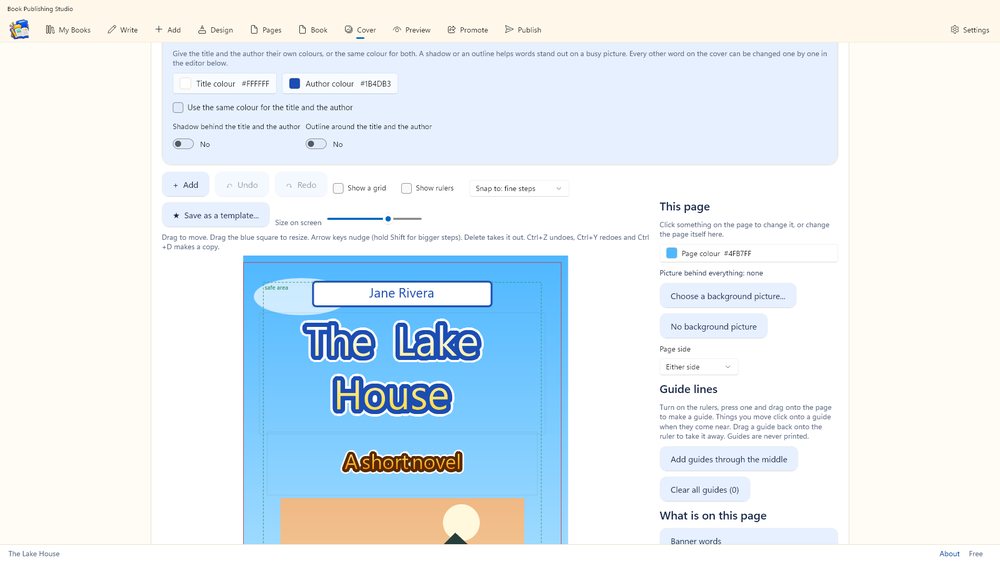
- Design. A cover designer with ready-made templates, fat kids' fonts, gradient and outlined titles, textures, shapes and pictures cut to shapes.
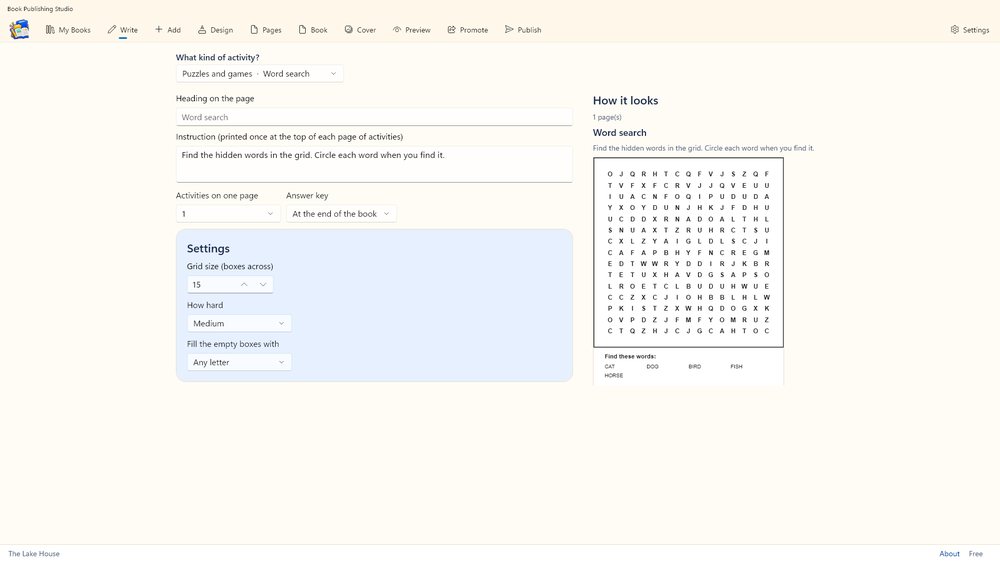
- Activity books. 22 kinds of puzzles, worksheets and planners (word search, mazes, sudoku, crosswords, tracing, journals and more), with answer keys.
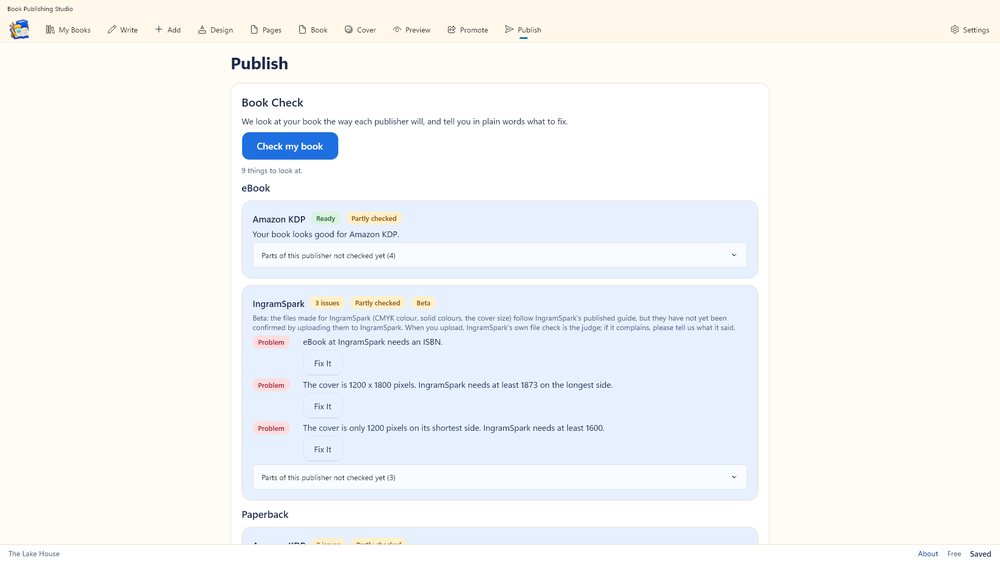
- Check and publish. A Book Check for each publisher with plain-language fixes, print-ready interior and cover PDFs, EPUB 3, Word and more.
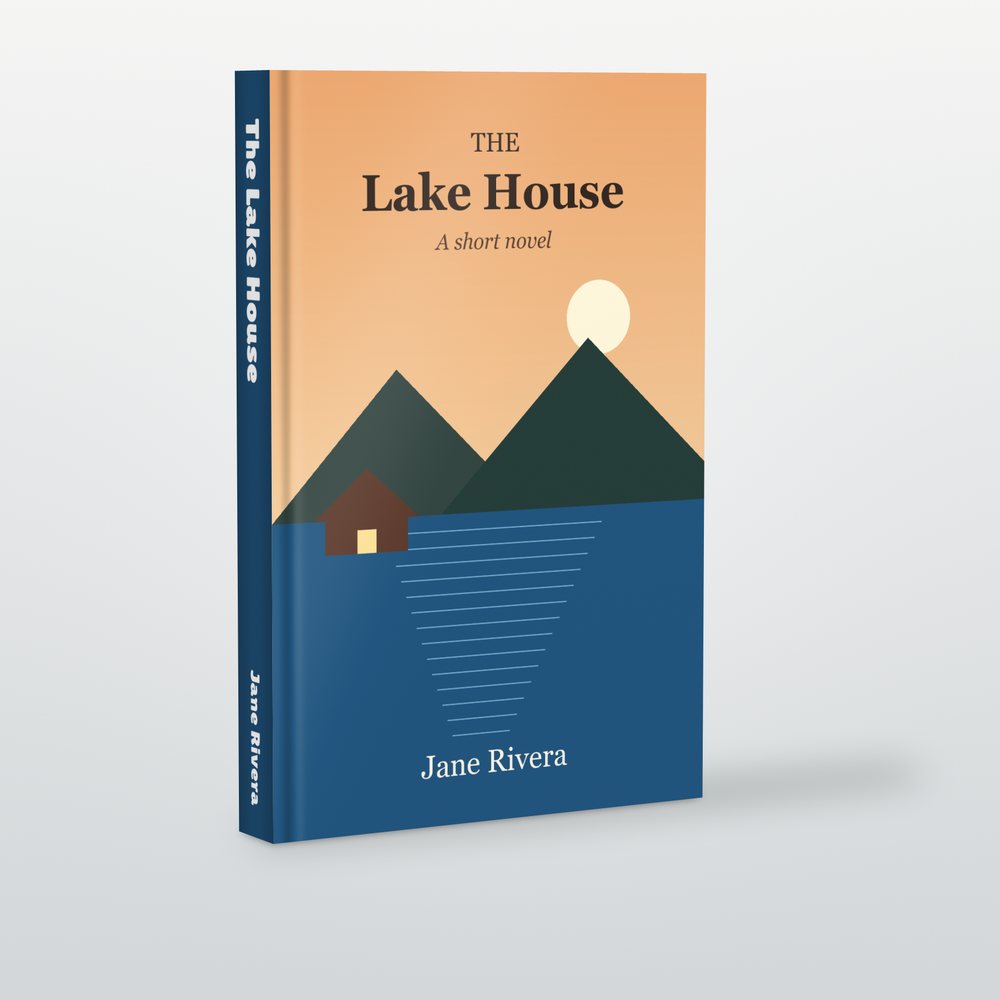
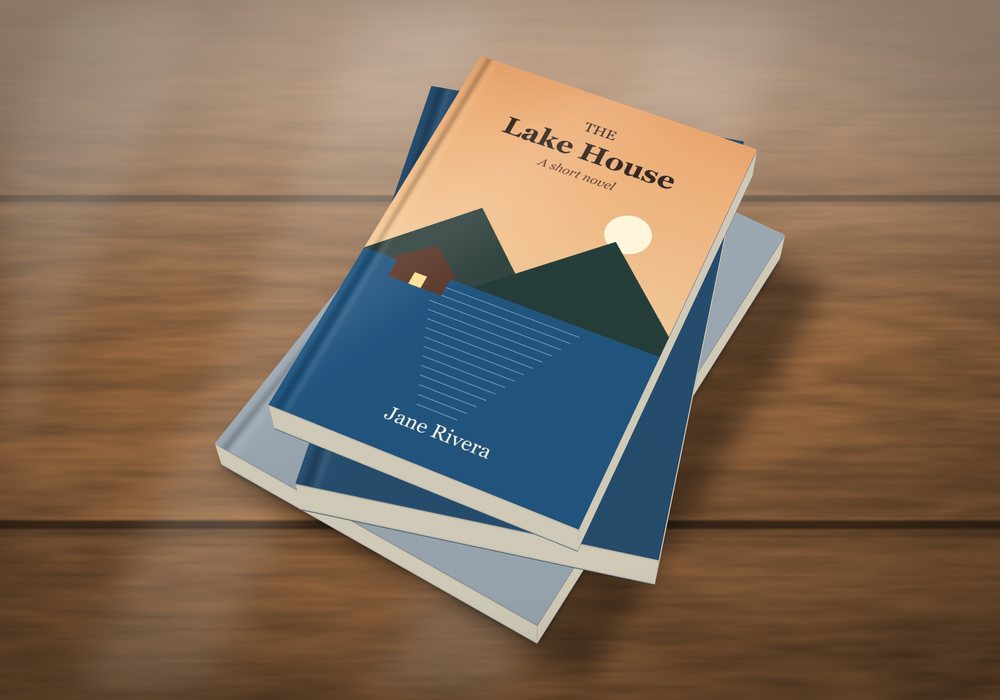
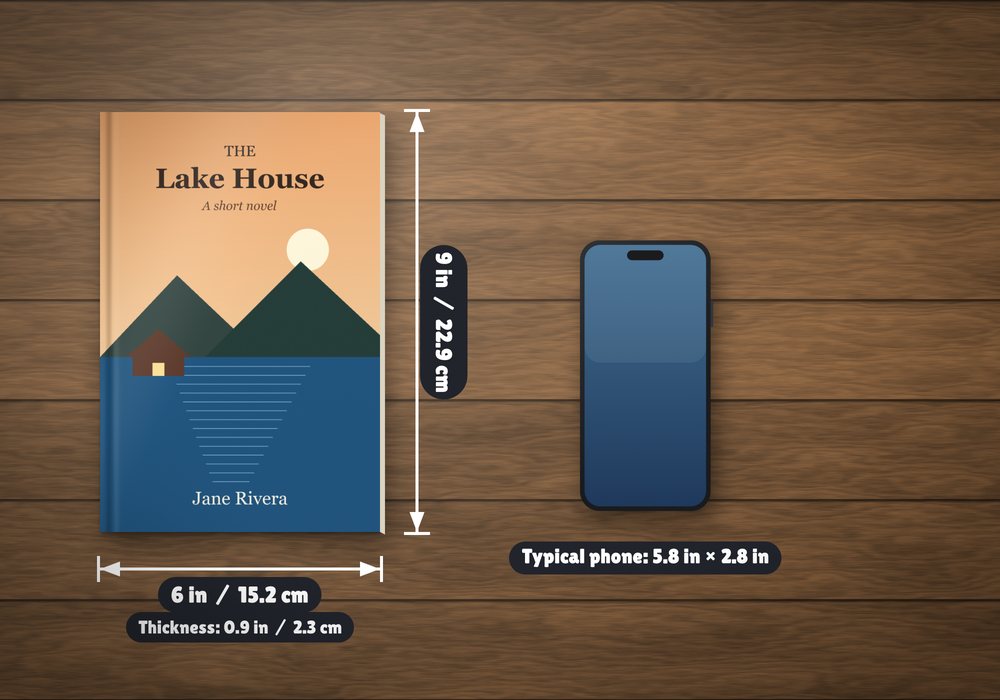
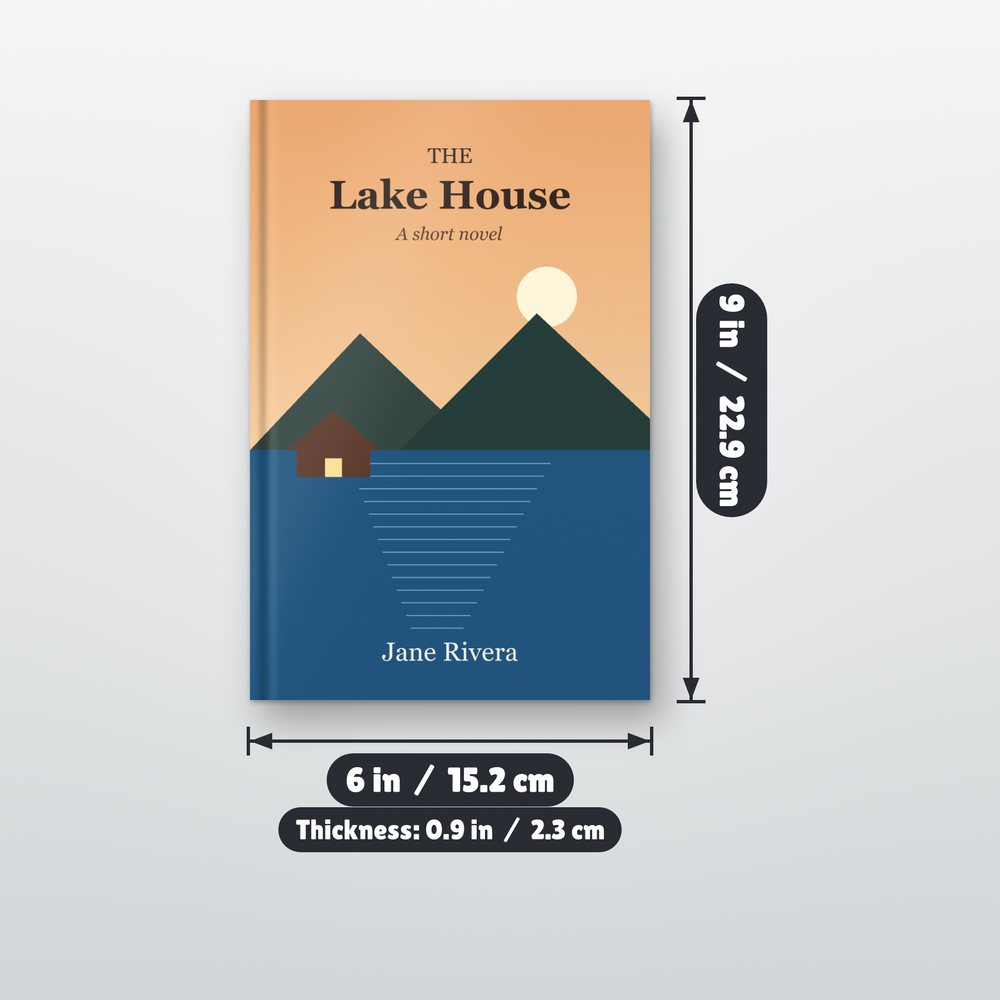
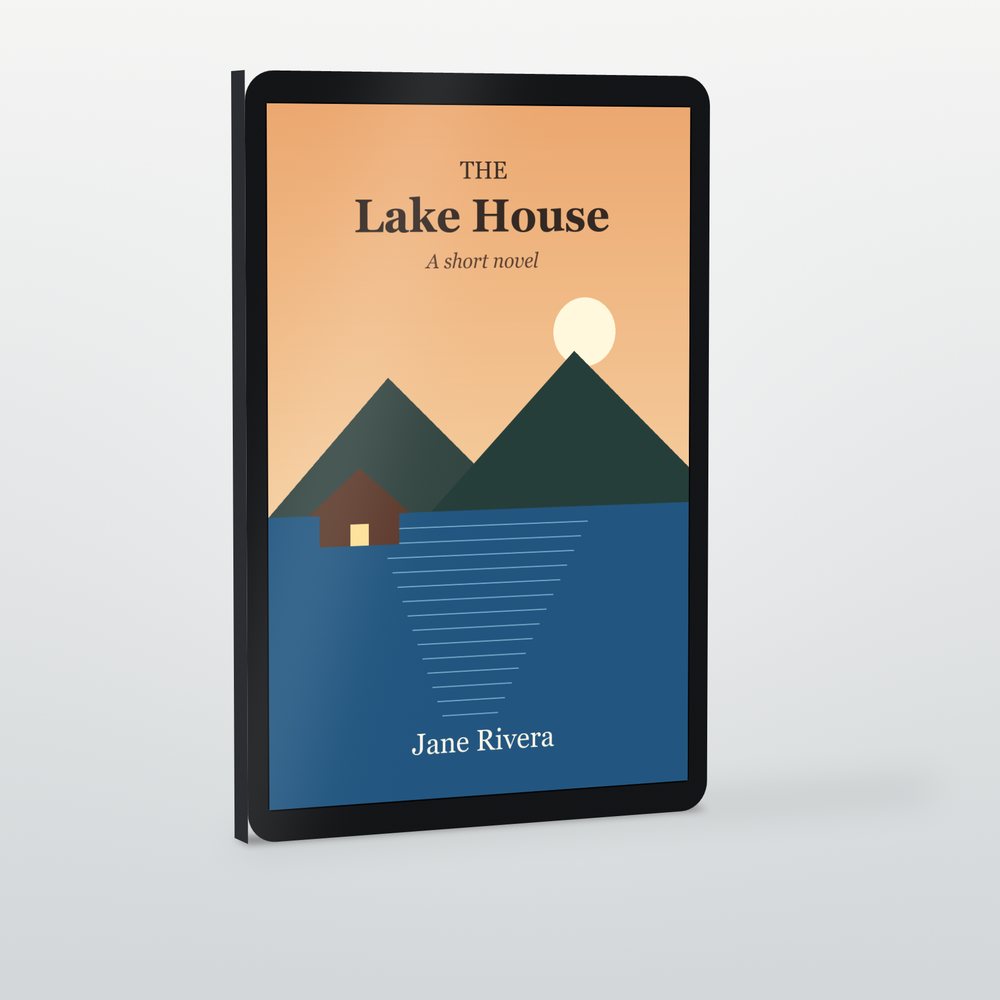
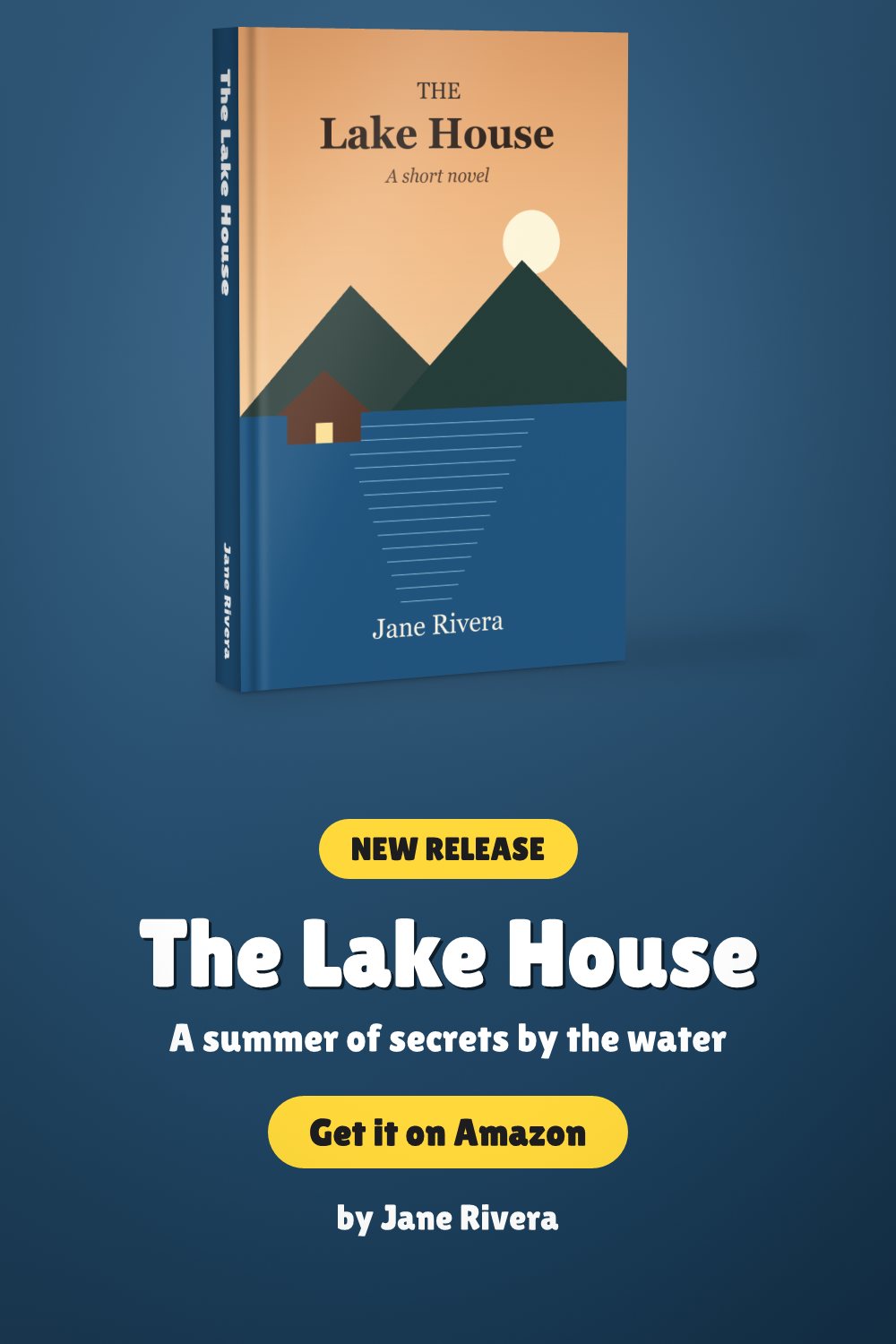
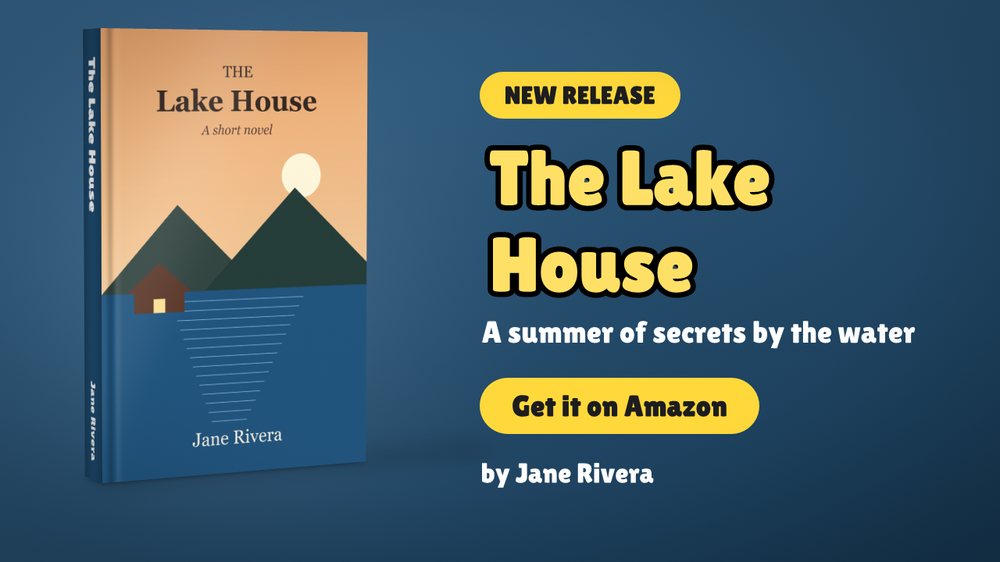
- Promote. Mockups of your book (3D, on a table, next to a phone with its size), the picture sizes social sites and Amazon ask for, quick share with the words ready, a media kit and a log of what you posted.
- In your language. The app is in English, Spanish and Portuguese.
See the app
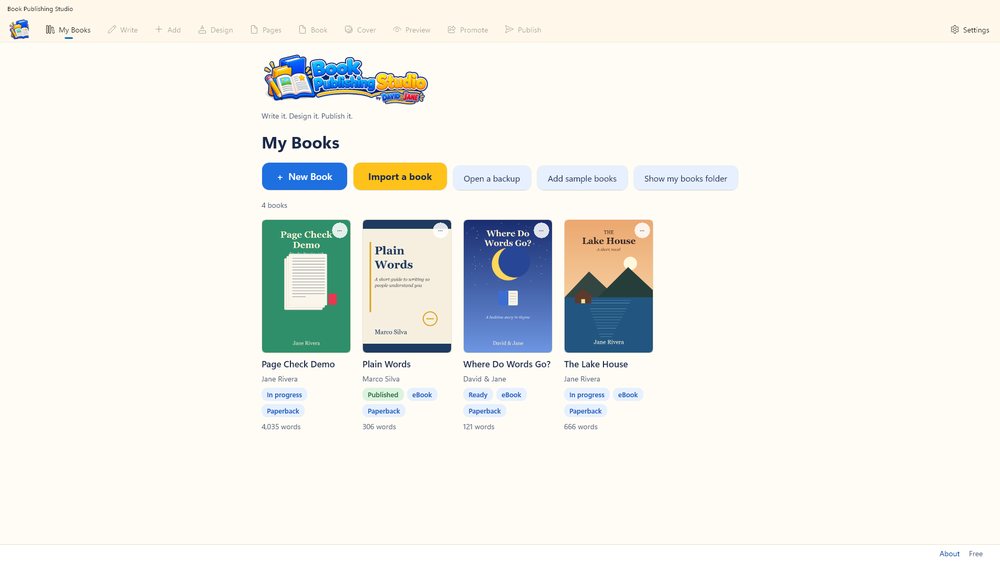
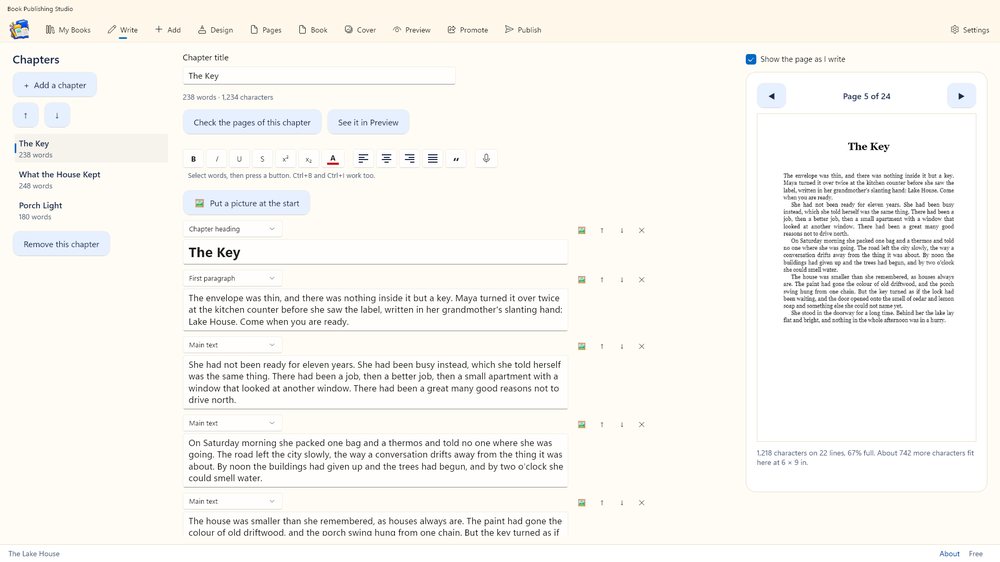
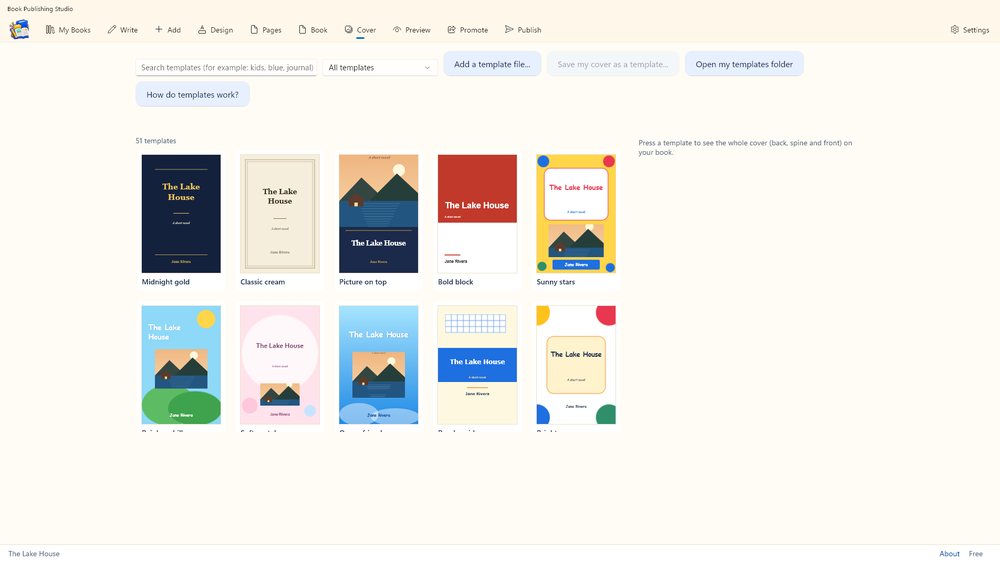
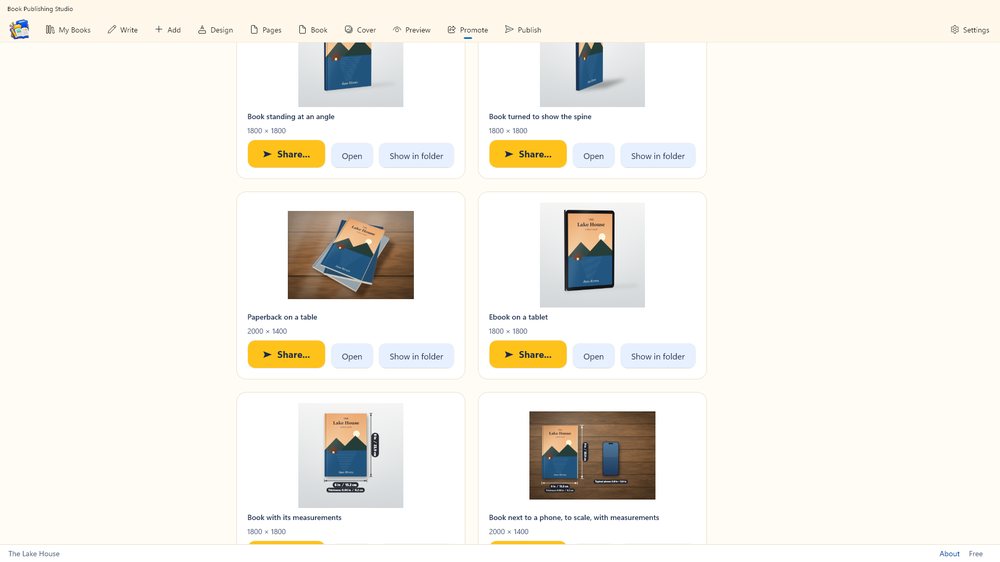
Pictures to promote your book


Where you can publish
Amazon KDP, IngramSpark, Draft2Digital, Barnes & Noble Press, Lulu, Blurb, Apple Books, Google Play Books, Kobo Writing Life or a publisher you set up yourself. Each publisher's sizes and rules are kept as data and show when they were last checked. Publishers change their rules: always confirm on the publisher's own page.
The print files made for IngramSpark (CMYK colour, solid colours, the cover size) follow IngramSpark's published guide, but they have not yet been confirmed by uploading them. When you upload, IngramSpark's own file check is the judge; if it complains, please tell us what it said.
Free and Pro
Writing, importing, exporting and owning your files are always free. Pro is a one-time purchase, with no subscription, for the complete publishing tools, including the puzzle, worksheet and planner generators. Activities already in your book are always shown, printed and exported. There is also a 7-day trial.
Private by design
No accounts, no ads, no tracking. Your books stay on your computer, and the program never posts anything or contacts a website by itself. Read the privacy policy →
Questions
Does it need the internet?
No. Writing, designing and making files all work offline. You only need a connection to upload your files to a publisher yourself.
Does it publish my book for me?
No. It makes and checks the files. You upload them on the publisher's site with your own account.
Which computers does it run on?
Windows 10 and Windows 11.
Support
See also
My First Piano, My First Music Book and Audiobook Creator Studio.