Plug in your digital piano, pick a song, and play along as colorful notes fall onto the keys. Made for children, and just as good for parents and adults starting out.
Available for Windows from the Microsoft Store, as a Free edition and a Pro edition.
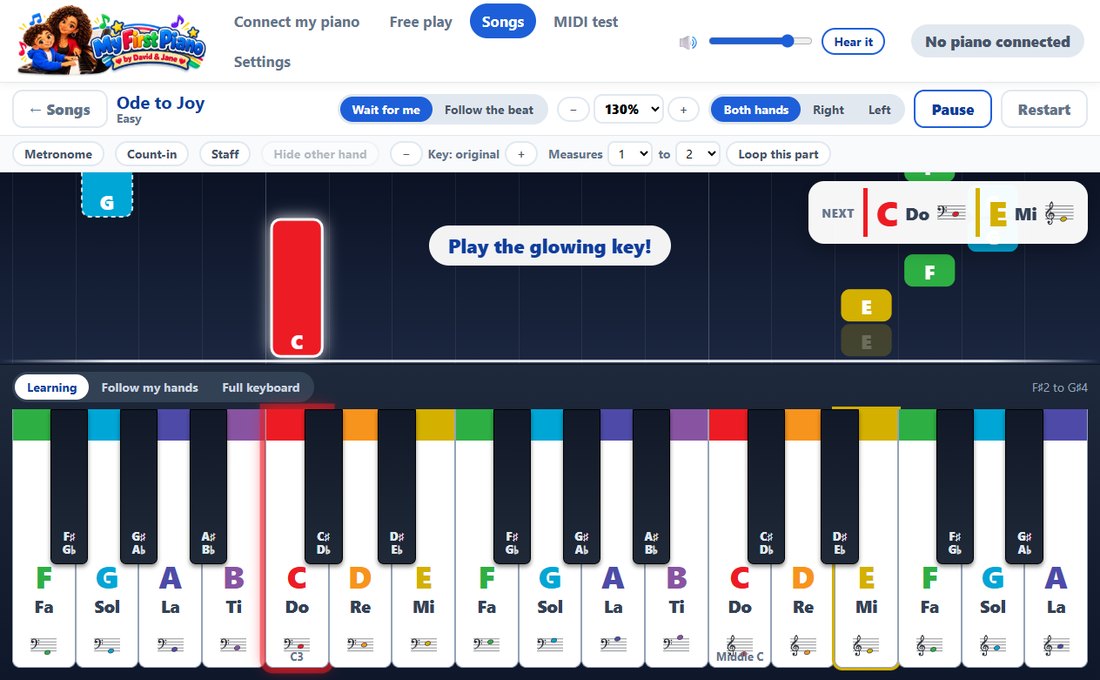
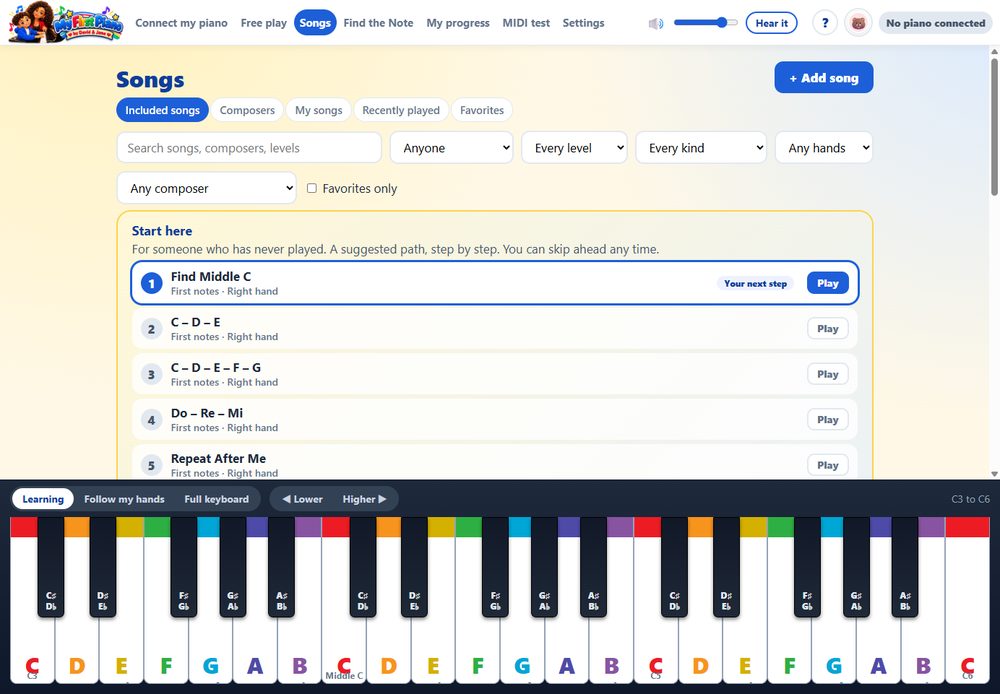
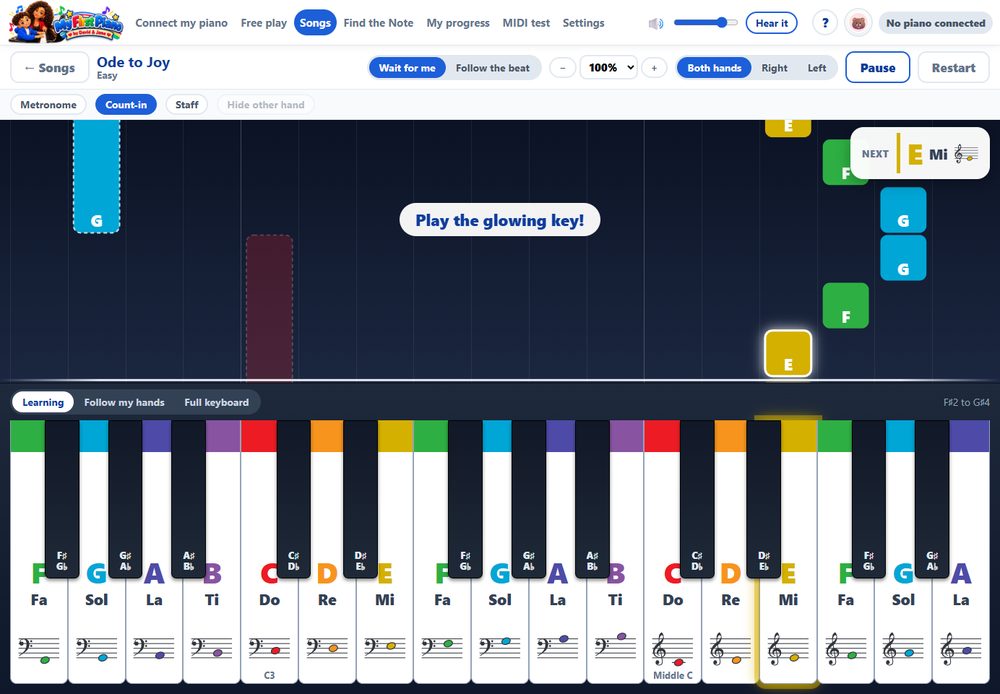
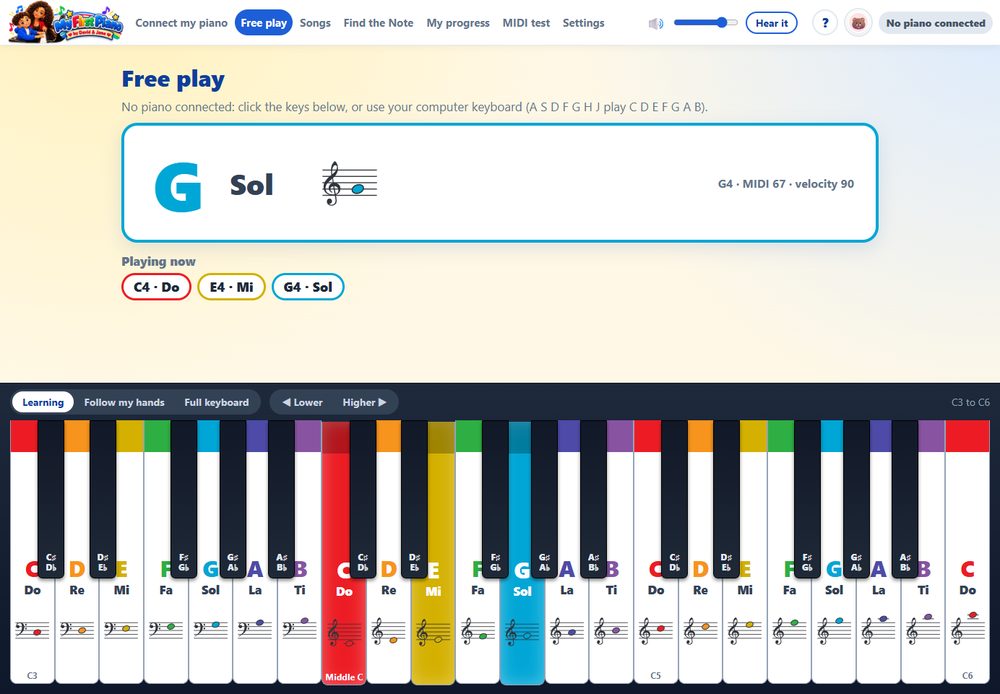
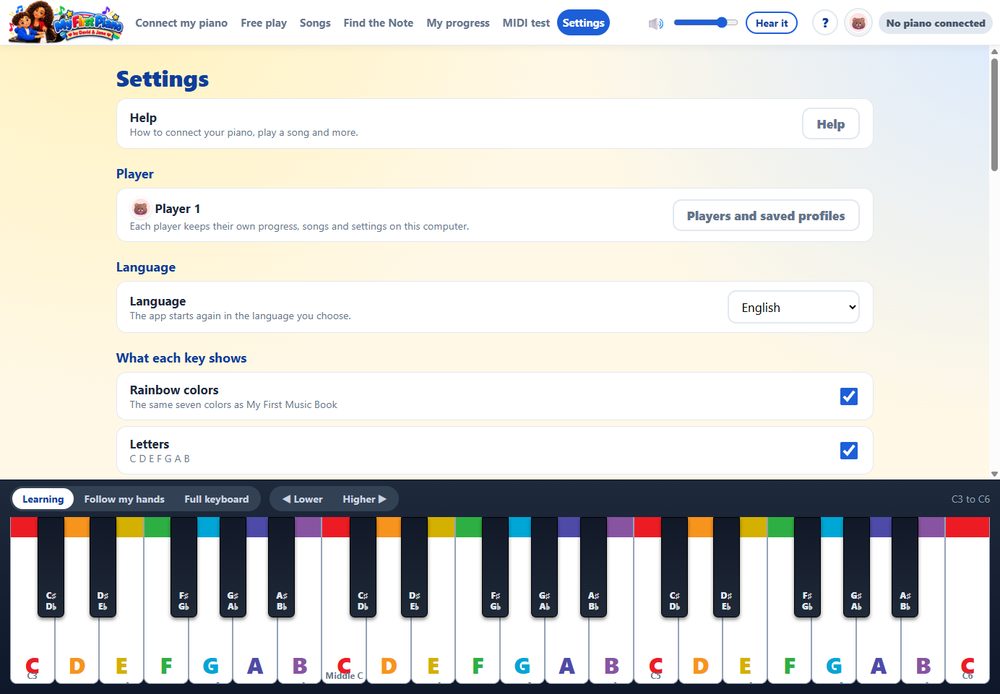
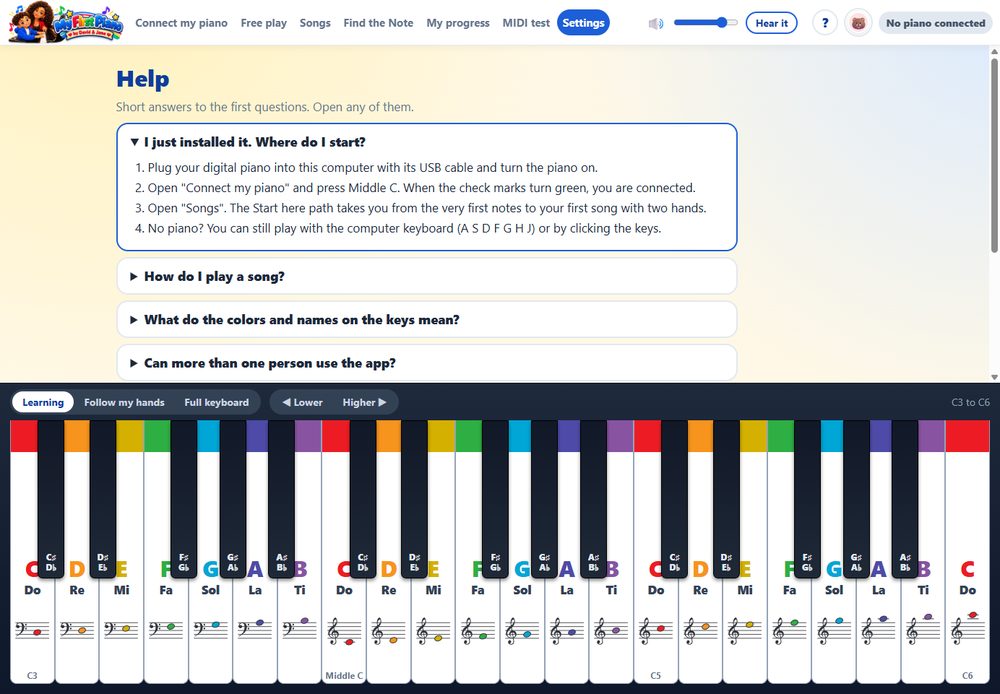
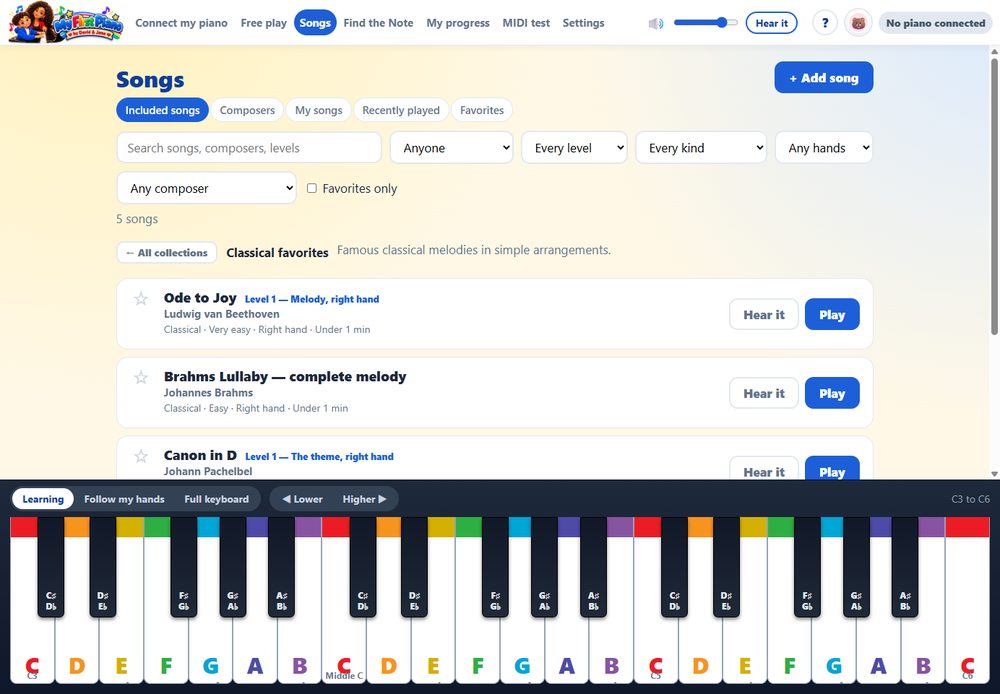
Colors and names on every key, so a beginner can find each note right away.
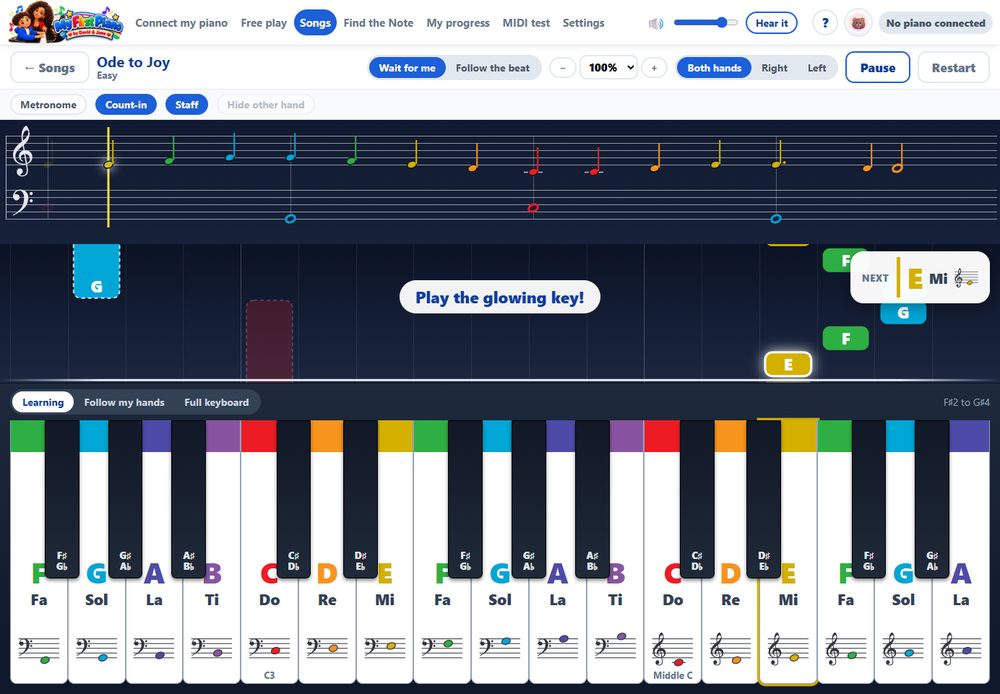
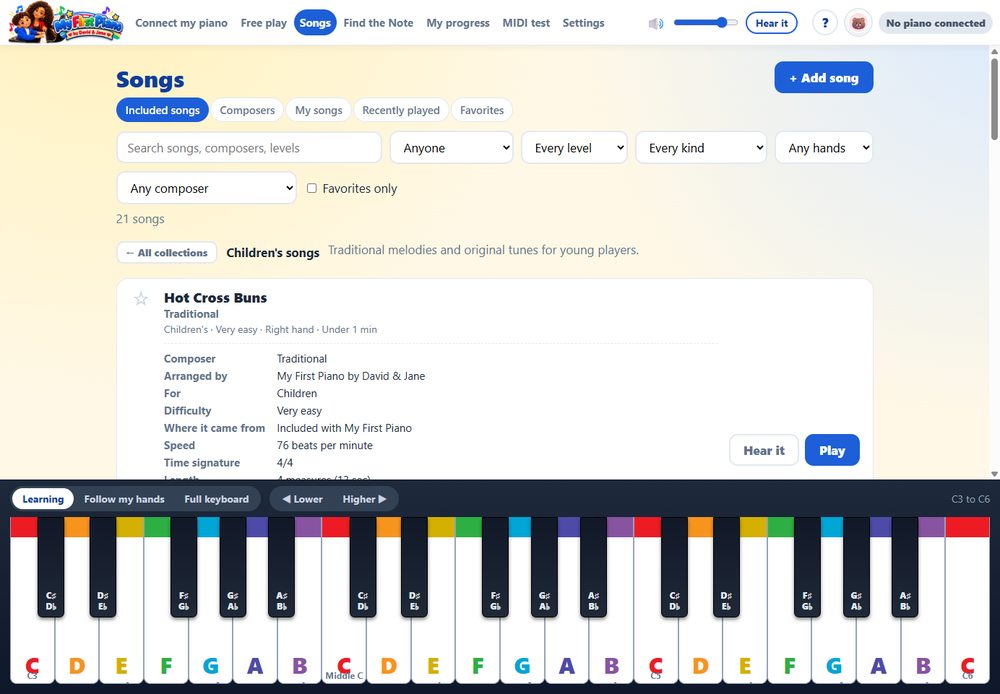
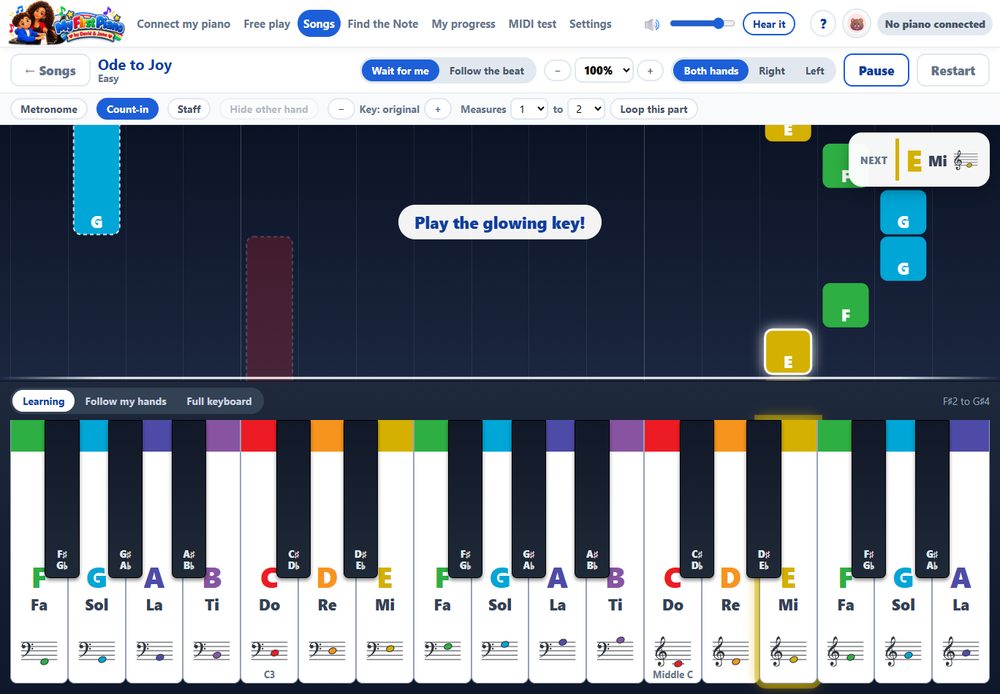
Falling notes show what to play and when. In “Wait for me” mode the song waits until you find the right note.
Practice at your own speed, from slow to faster than normal, one hand or both.
Works with your piano over USB (MIDI). You can also play with the computer keyboard.
In English, Spanish and Portuguese. Choose the language in Settings; the first time, the app uses the language of Windows.
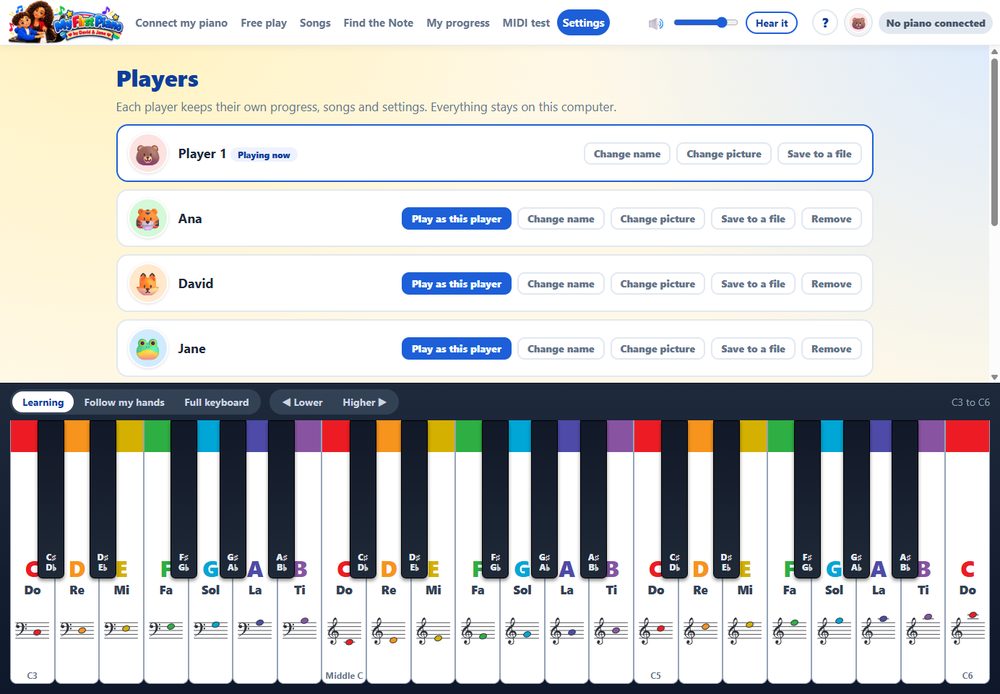
Players. Everyone in the family can keep their own progress, songs and settings.
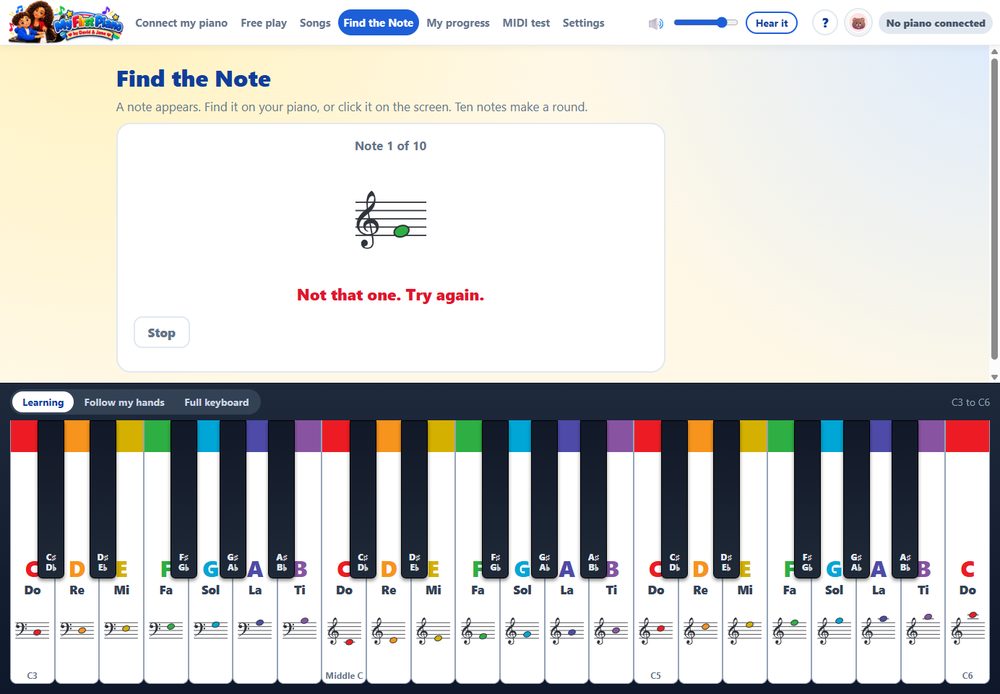
Find the Note, a short game that teaches where every note lives on the keyboard.
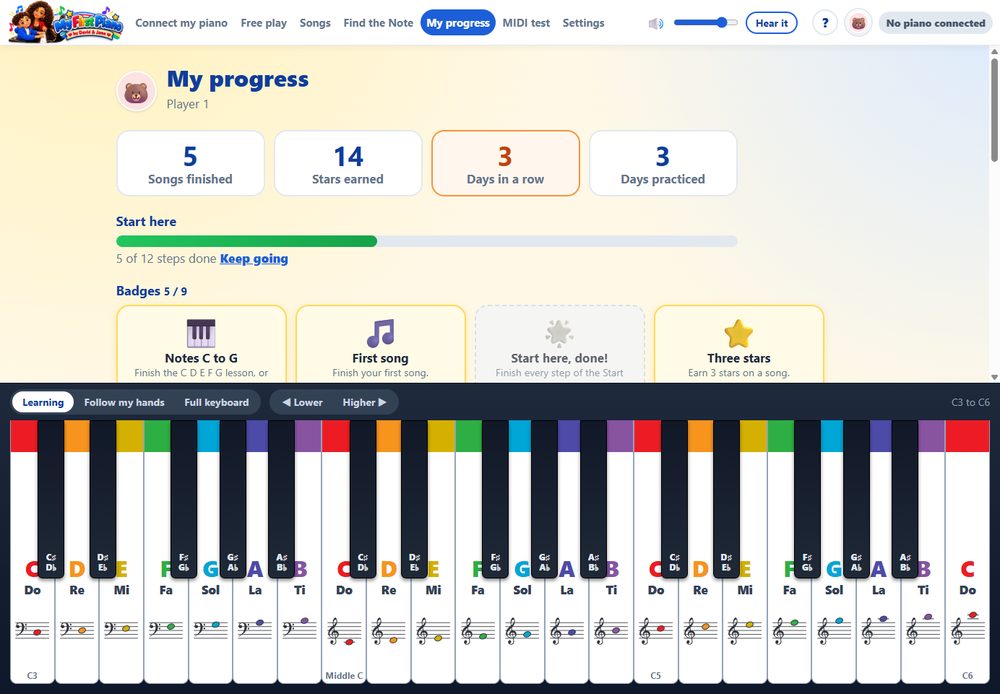
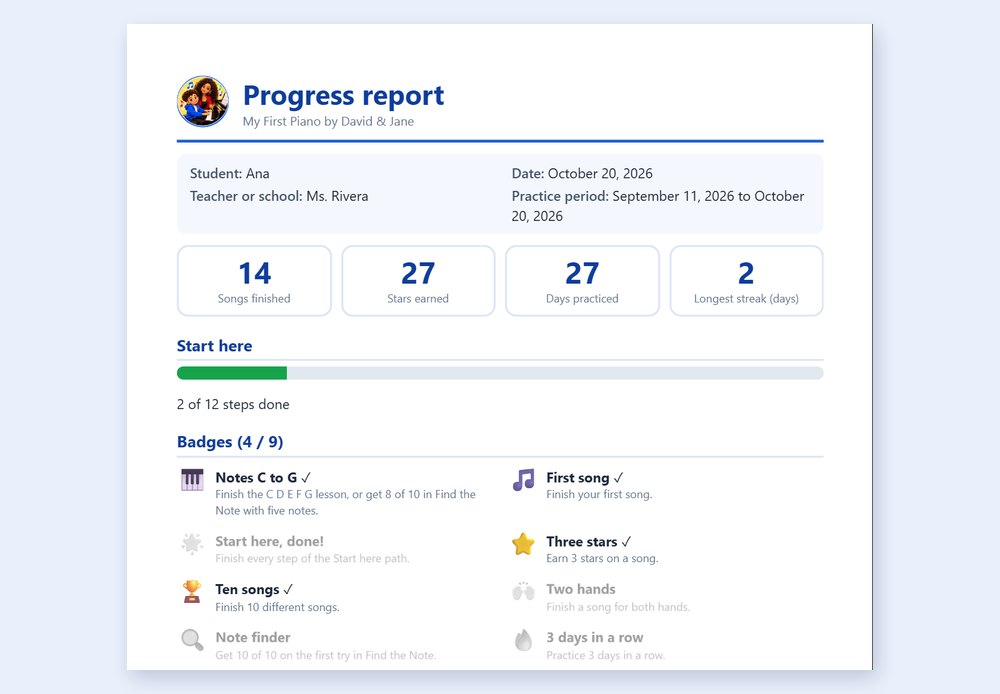
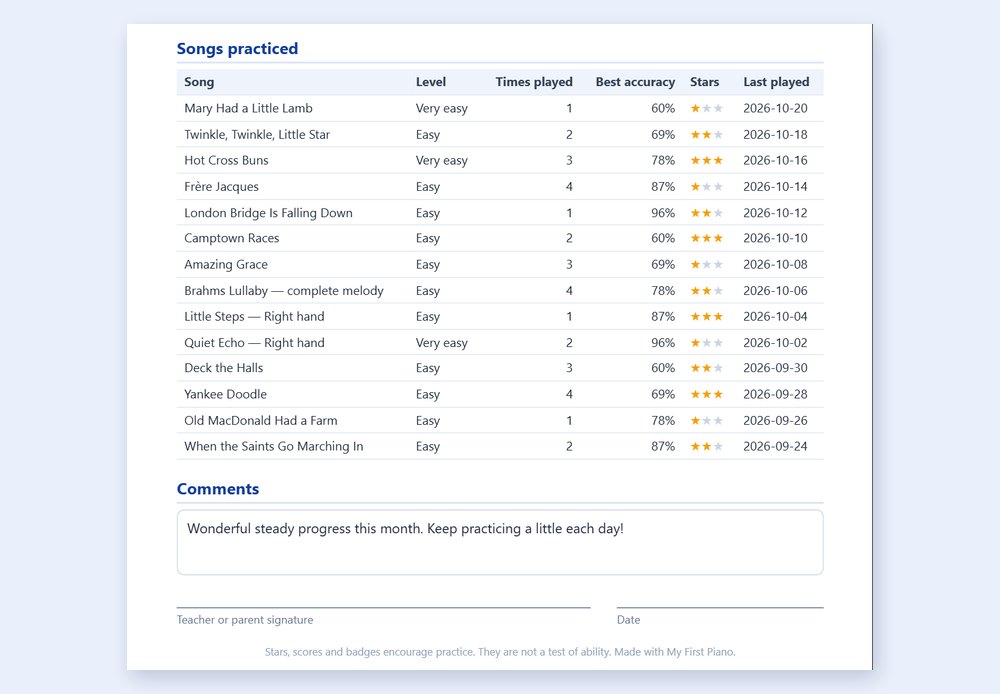
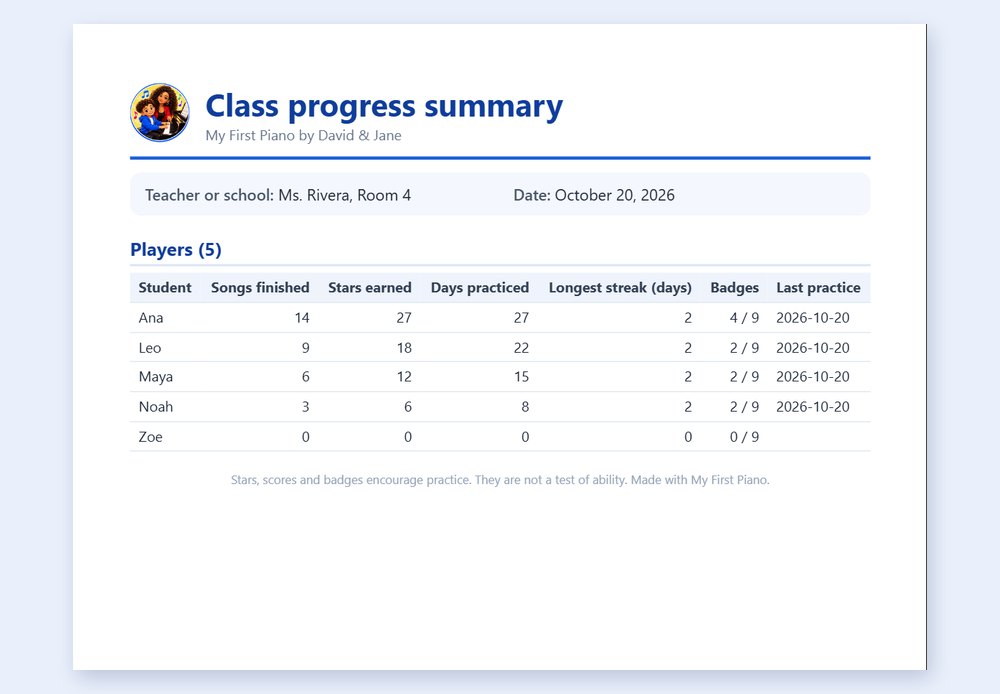
My progress. Stars, days in a row and badges (like “Notes C to G”) show a child how far they have come, with a button to start over. Save a progress report as a PDF, like a school report, or the numbers as a spreadsheet, to share with a teacher or family.
Private and offline. No account, no ads and no tracking. See the privacy policy.
Free and Pro
Free
Pro
Core learning songs
Included
Included
Falling notes, colors and note names
Included
Included
Expanded music library
—
Included
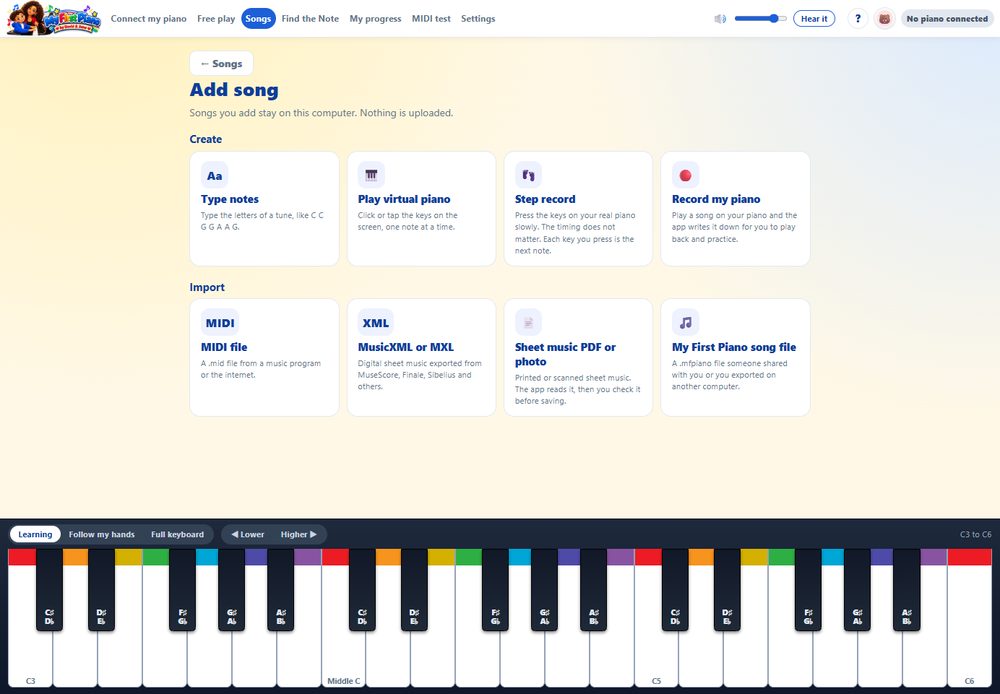
Add and create your own songs
—
Included
Recording
—
Included
Import MIDI, MusicXML, PDF and sheet-music pictures
—
Included
Advanced practice tools
—
Included
Watch the video
A 98-second tour of My First Piano: colors, letters, Do-Re-Mi and the staff, falling notes, progress and reports. Narrated in English.
Screenshots
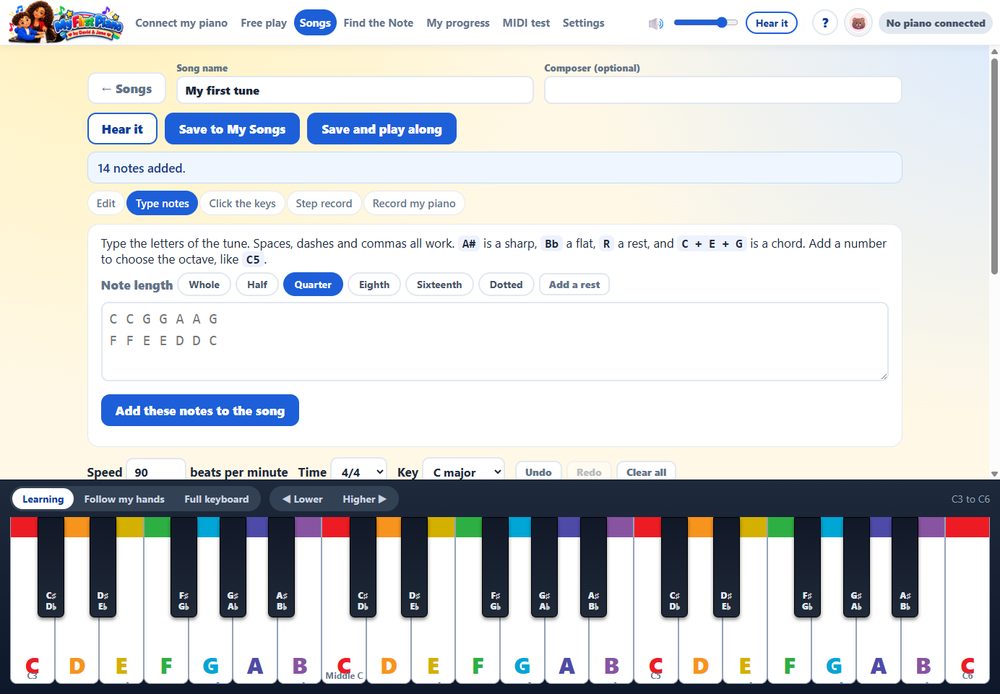
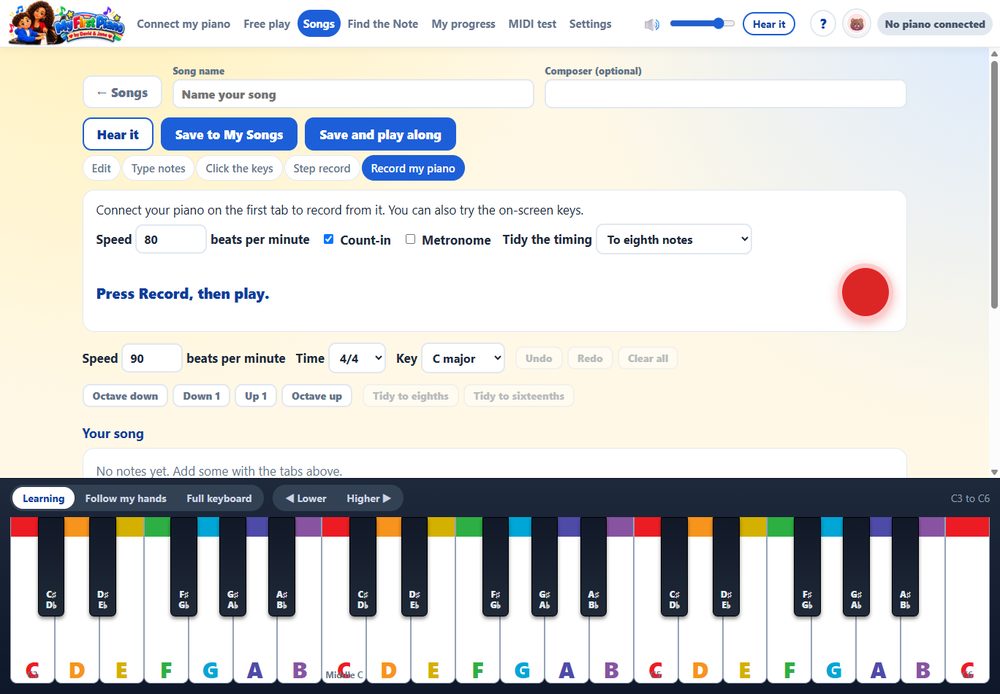
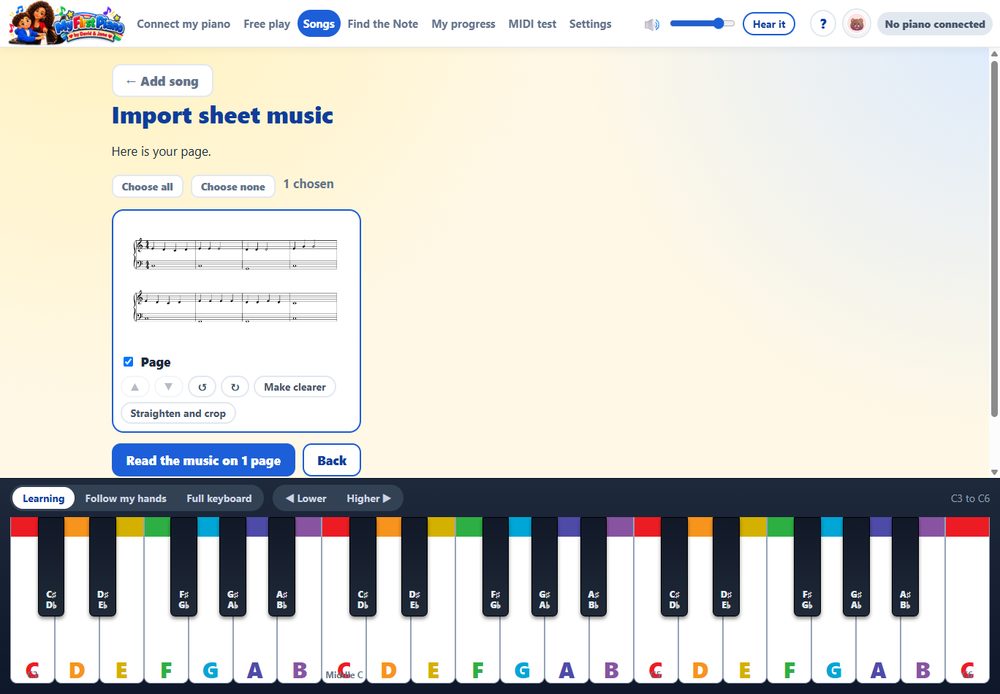
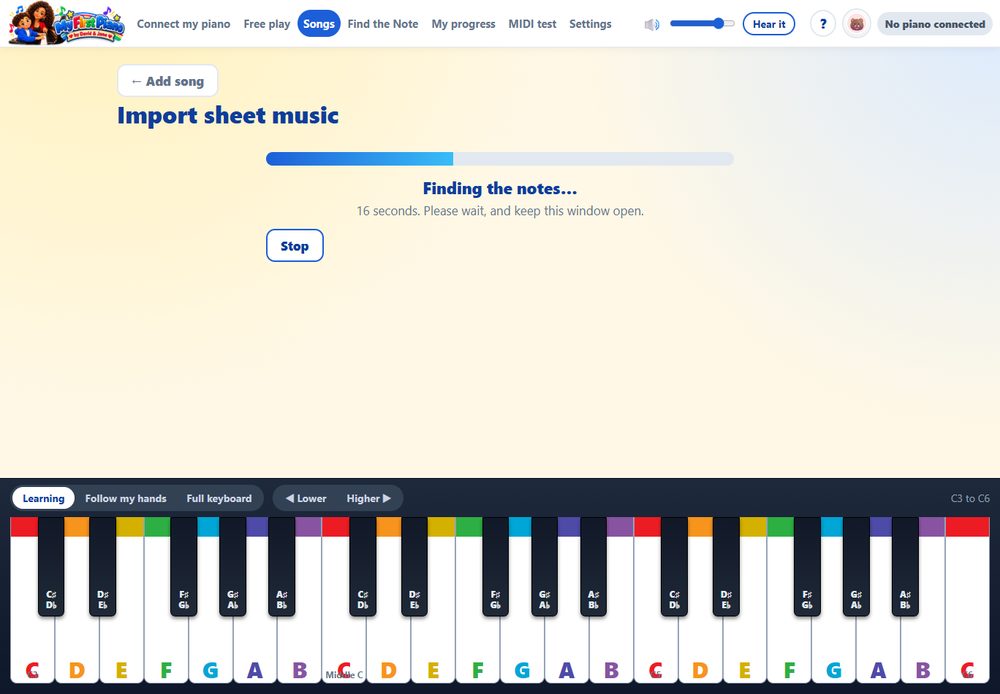
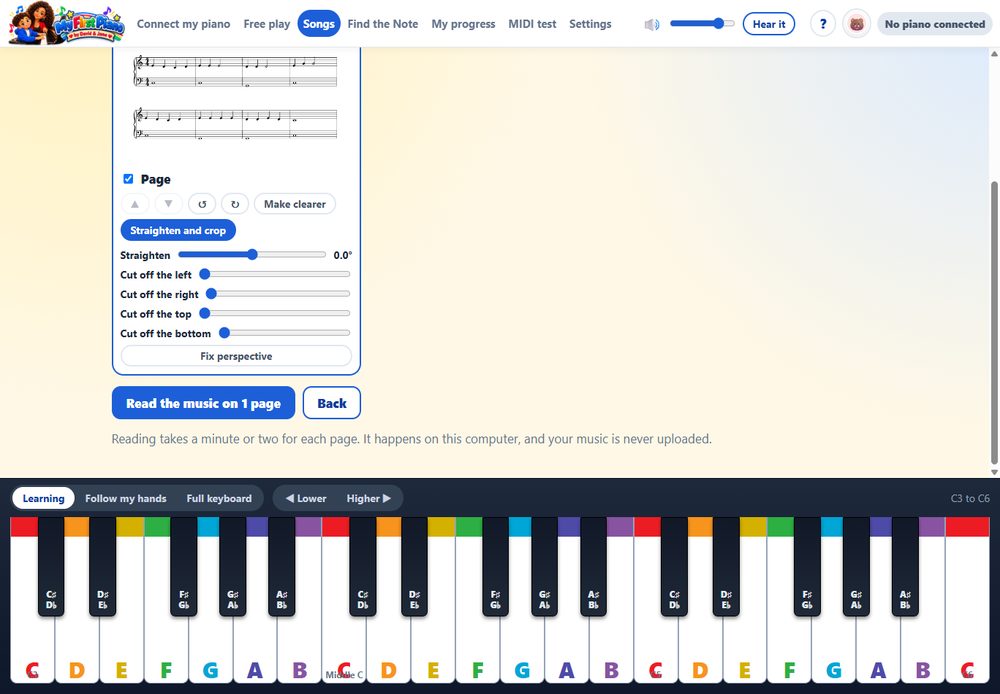
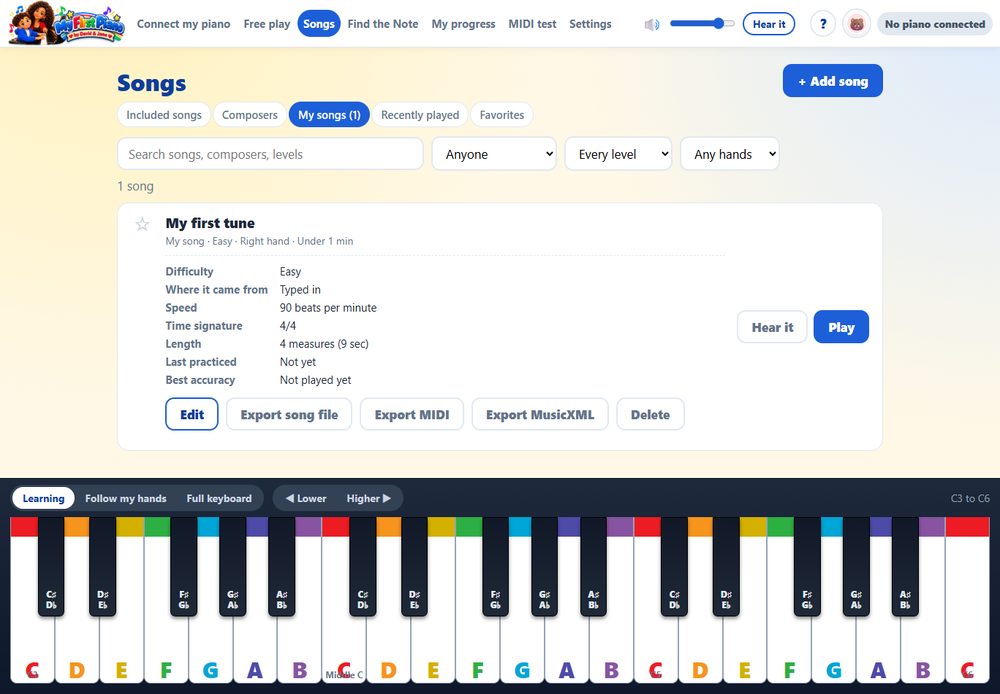
Songs: a Start here path for first-time playersFalling notes show what to play and whenA staff strip scrolls above the falling notesFree play: every key shows its name and place on the staffFind the Note: a short game for learning the keysMy progress: stars, days in a row and badgesProgress report: a school-style PDF to share with a teacher or familyThe report lists every song, with stars and accuracyA class summary for teachers: every player in one tablePlayers: everyone keeps their own progressSettings: language, colors, sound and moreSong details, with other versions of the same pieceA short Help inside the appPro: create, record or import songsPro: classical favorites in simple arrangementsPro: type a tune and hear it backPro: loop a few measures, slow them down and move any song to another keyPro: record yourself playing on your real pianoPro: bring in sheet music from a PDF or a photoPro: the sheet-music reader turns the page into notes, on your computerPro: straighten, crop and fix the perspective of a photo of sheet musicPro: edit your songs and export them as MIDI or MusicXML
Requirements: Windows 10 or 11 (64-bit), 4 GB of memory, and a digital piano or keyboard with a USB cable (optional). System requirements